


The new CIPIAI registration flow asks about your traffic sources, verticals and GEOs to help managers find relevant advertiser offers. We designed the update to help your manager get to suitable offers sooner, with fewer basic questions to work through first. Here’s what changes and how your answers help.
Why traffic details matter for offer matching
A useful offer recommendation starts with how you reach your audience. The vertical is part of the picture; the traffic format and target market help determine which campaigns are worth discussing.
For example, suppose you buy push traffic and want to test utility offers. Your manager needs to check which offers allow that format and cover your target GEOs. If you run an organic review site, the discussion starts with your content and the action readers would need to take on the advertiser’s page.
What changes in CIPIAI registration
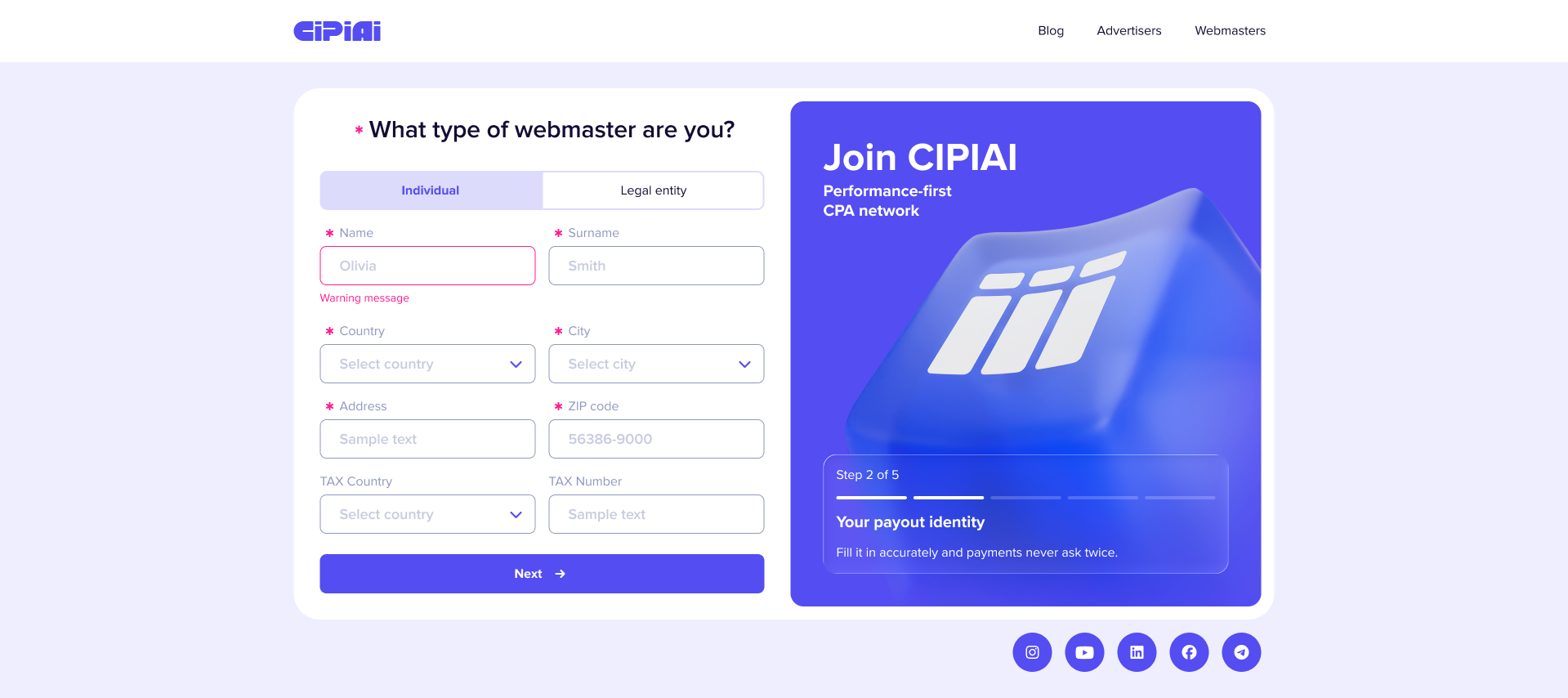
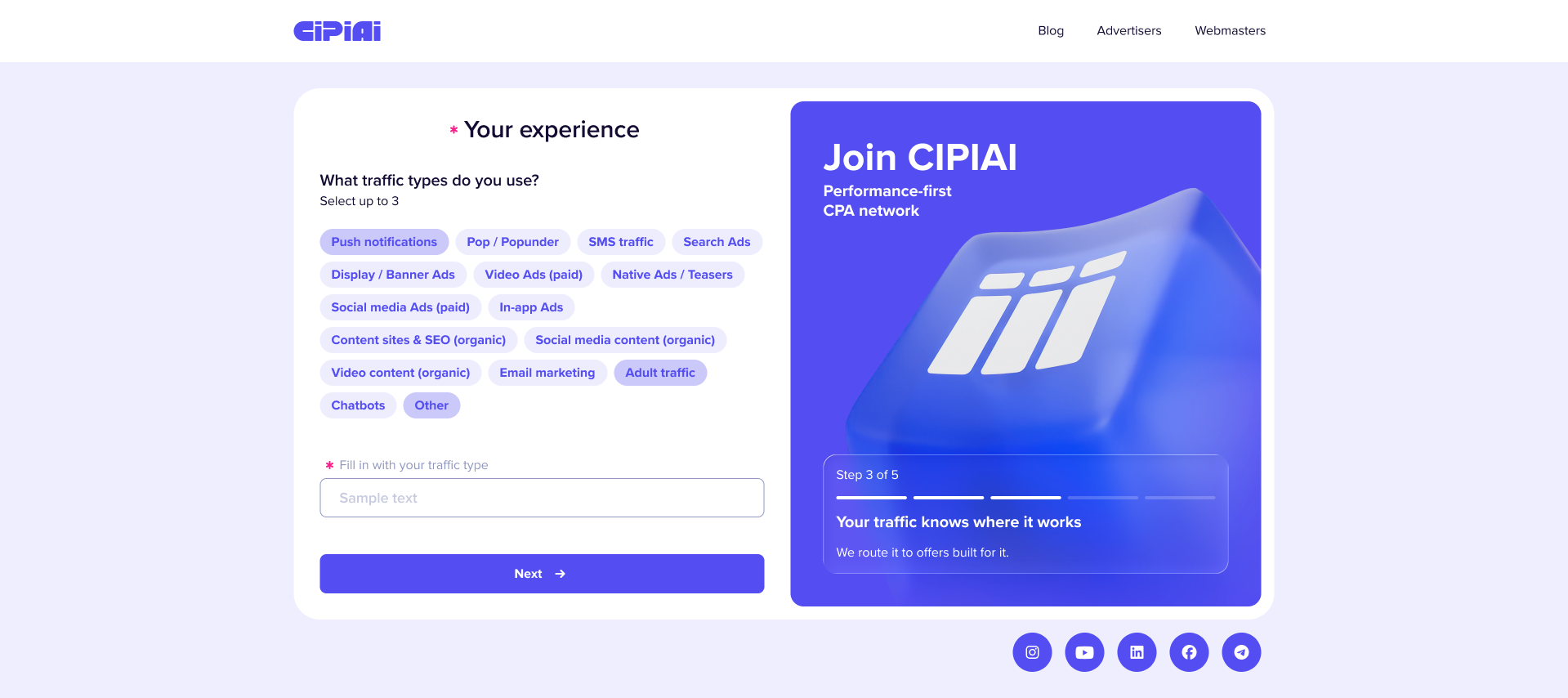
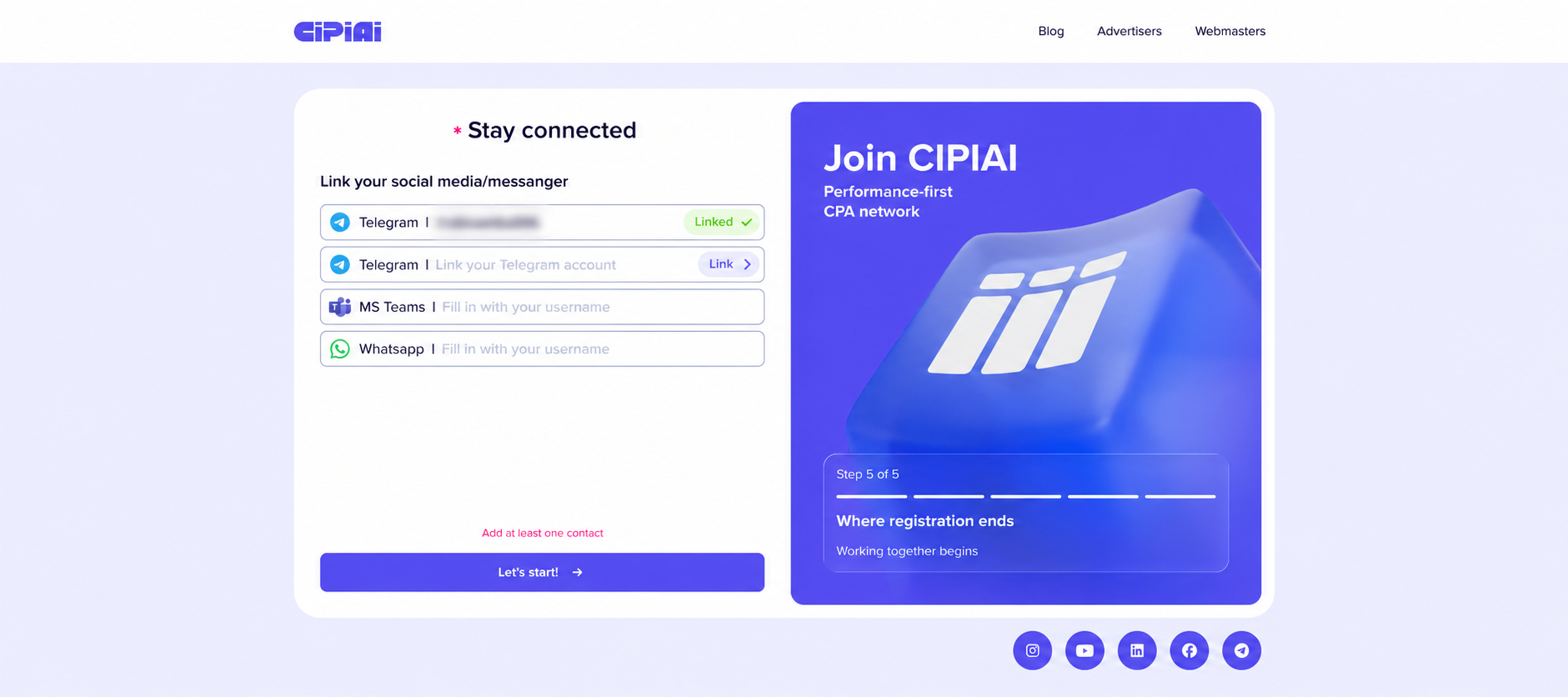
The updated flow groups registration into five steps, covering account creation, account details, traffic, experience and a contact channel. The traffic step has separate screens for traffic types, sources and verticals.
You can start with email or choose a quick signup option. Email signup includes a verification code.
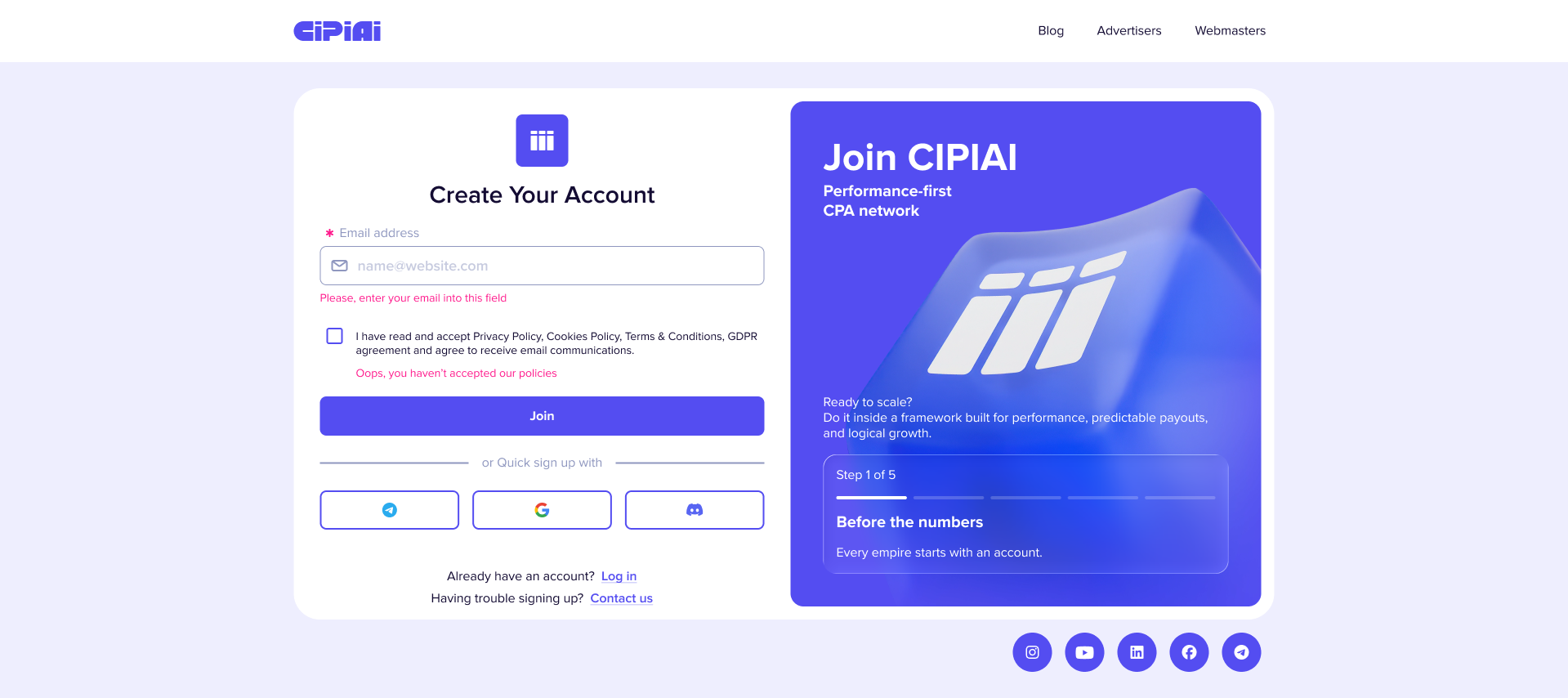
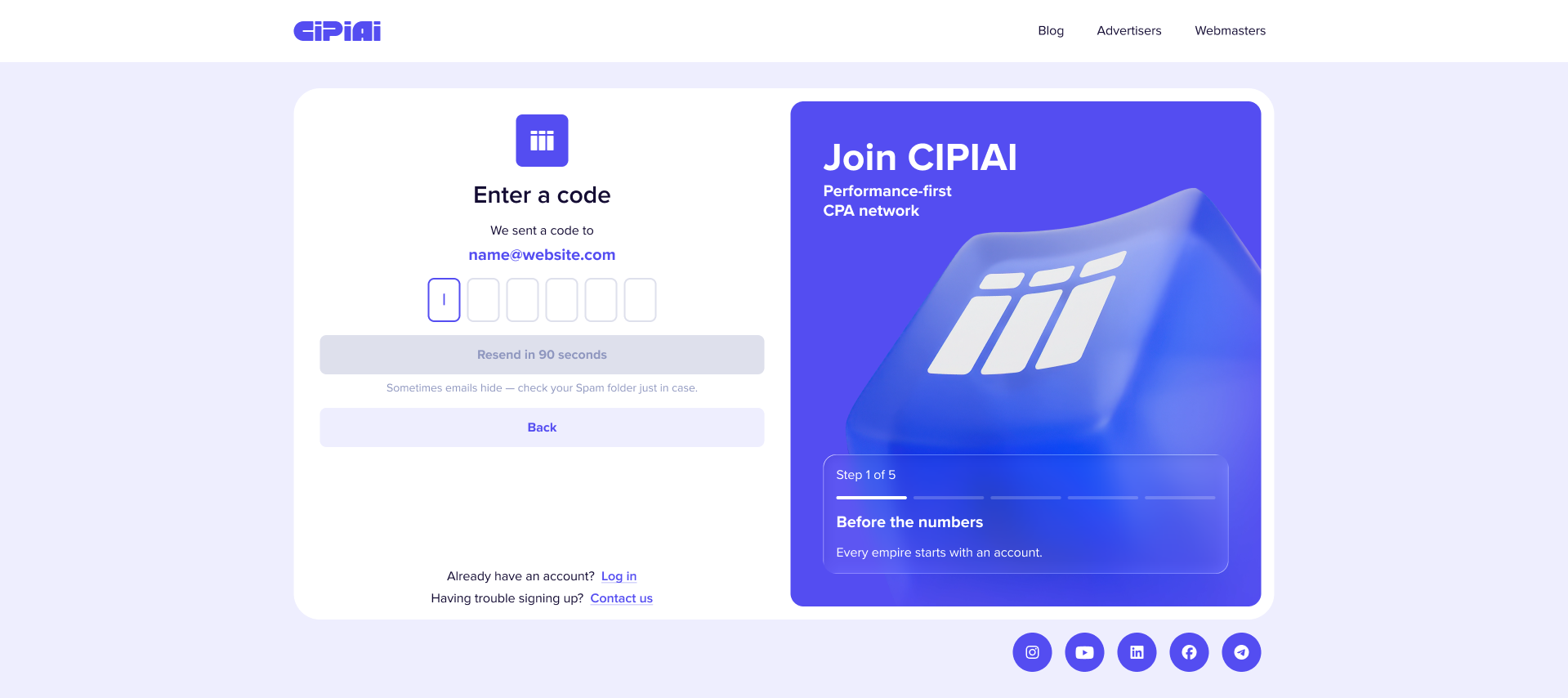
You then select an individual or company account and fill in the relevant details before describing your traffic.
The matching questions focus on the information behind an offer recommendation:
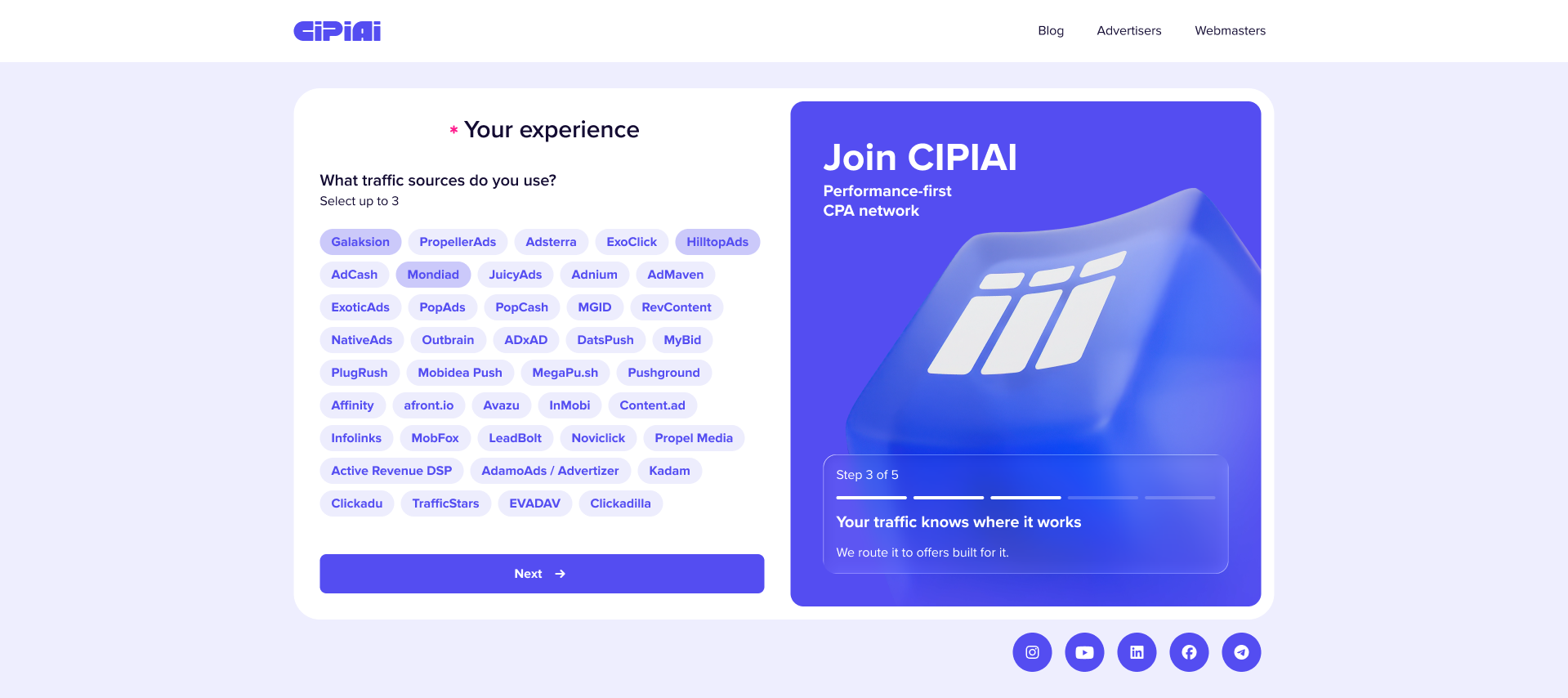
Traffic type and traffic source answer different questions. “Push notifications” describes the format; the source identifies the advertising platform behind that traffic. Both help your manager understand the setup you plan to use.
How to fill in your traffic profile
Choose the traffic you plan to bring to CIPIAI first. If you work across several formats, use the selections to show your priorities. When your traffic type falls outside the listed options, choose “Other” and describe it in the field provided.
The next screen asks which advertising platforms you use. Select the sources behind the traffic you plan to bring.
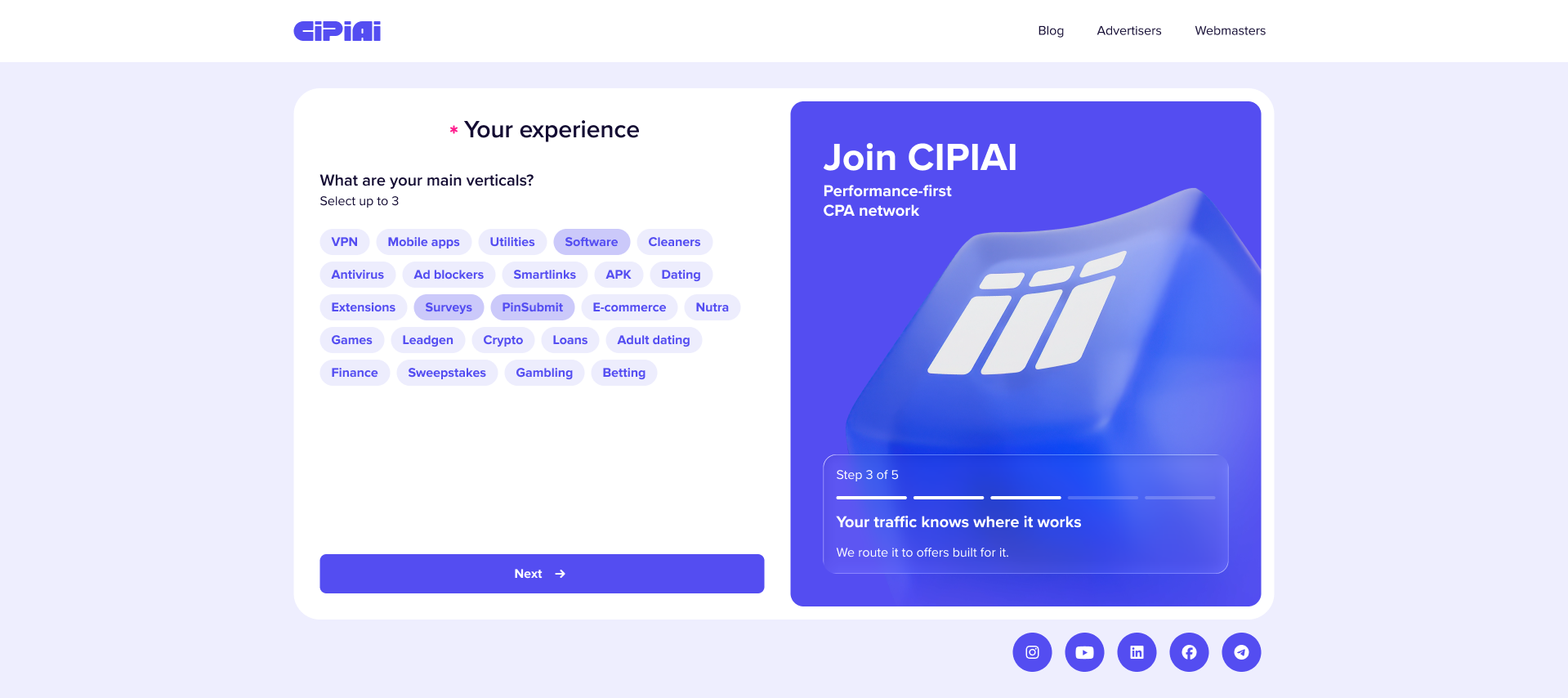
Pick verticals that reflect the campaigns you want to discuss. An affiliate with an established software review site, for instance, can identify organic content and SEO as the traffic type and software as a main vertical. The profile then gives the manager a specific starting point for the offer discussion.
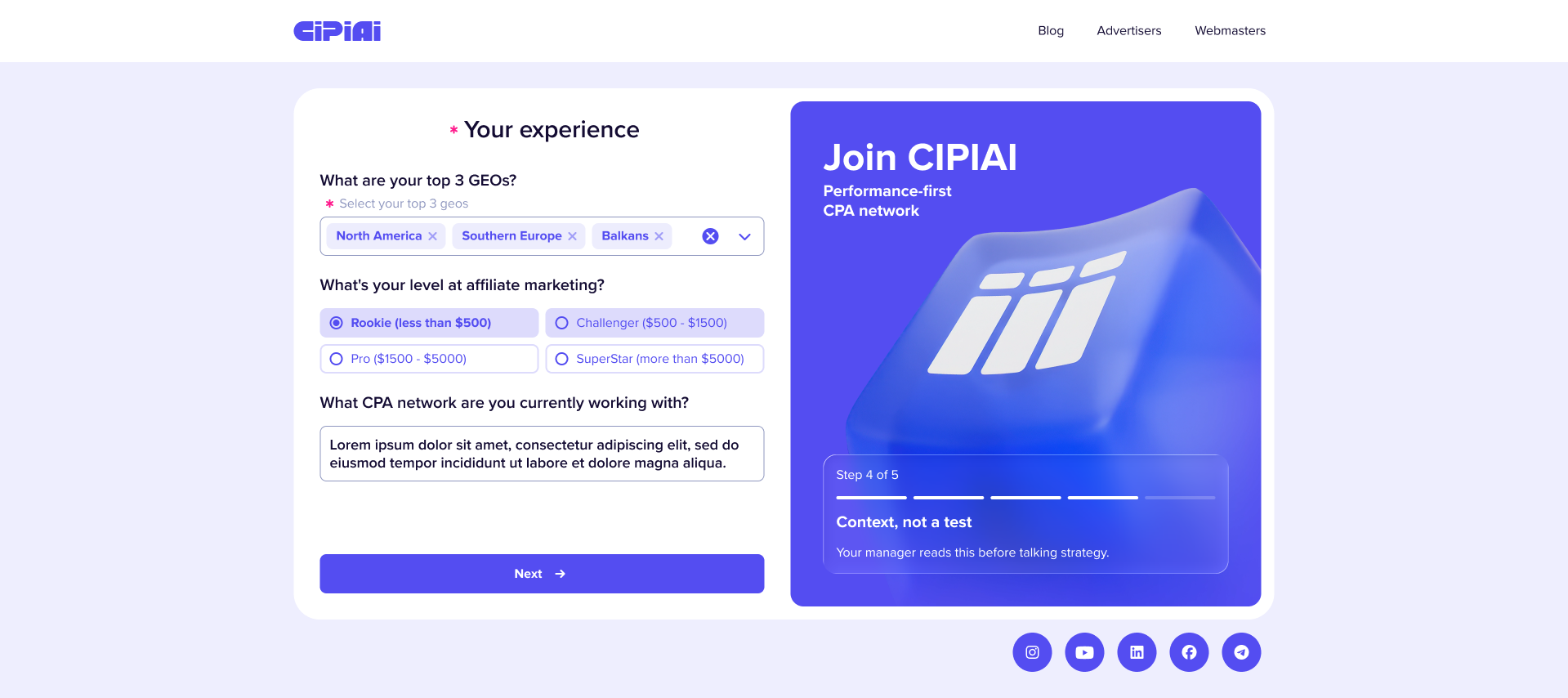
Use your GEO selections for the markets you expect to target. A focused profile helps the manager ask the next useful question, such as which device you target or what conversion action fits your audience.
Add a contact you check regularly so your manager can reach you about the offers and setup.
What better matching means for advertisers
The new affiliate profile gives CIPIAI managers more context for comparing a partner’s traffic with an advertiser’s campaign requirements. Format, geography and vertical experience provide an earlier basis for assessing fit.
For advertisers, the aim is to identify affiliates whose traffic fits the campaign before planning a test. Managers can compare the source and target GEOs with the offer’s requirements. Campaign results still depend on the offer, setup and traffic quality.
Advertisers can use the CIPIAI advertiser page to discuss their product and campaign requirements with the team.
FAQ: CIPIAI registration
Why does CIPIAI ask about my traffic during registration?
Your traffic details help your manager compare your setup with advertiser requirements and discuss relevant offers from the first conversation.
Can I select more than one traffic type or vertical?
Yes. The new flow allows up to three selections for traffic types, traffic sources and main verticals, so you can show your priorities across each category.
What if my traffic type isn’t listed?
Choose “Other” on the traffic-type screen and describe your traffic in the field provided.
Do I need to add a contact channel?
Yes. The final registration step asks for at least one contact so your manager can reach you to discuss your profile and next steps.
What comes after registration?
The next stage starts at the offerwall, where you can review offers. Before sending traffic, confirm the offer requirements and campaign setup; our guide to testing a CPA offer covers how to approach the first test.
Ready to bring your traffic to CIPIAI? Register as a webmaster and share the formats and markets you want to work with, so your manager can help you find offers that fit your traffic.


